Short answer: To reset a mini split, turn it off with the remote, wait a few minutes, and turn it back on. If your manual allows a power reset, switch off the correct breaker and wait for the interval specified for your model before restoring power. Write down any error code first. If the same code comes back, follow its model-specific instructions and stop repeating resets. Persistent faults need professional diagnosis. A manual or force-start button is not the same as a fault reset. MRCOOL describes a force-start button under the front cover on its indoor units.
Before you reset anything
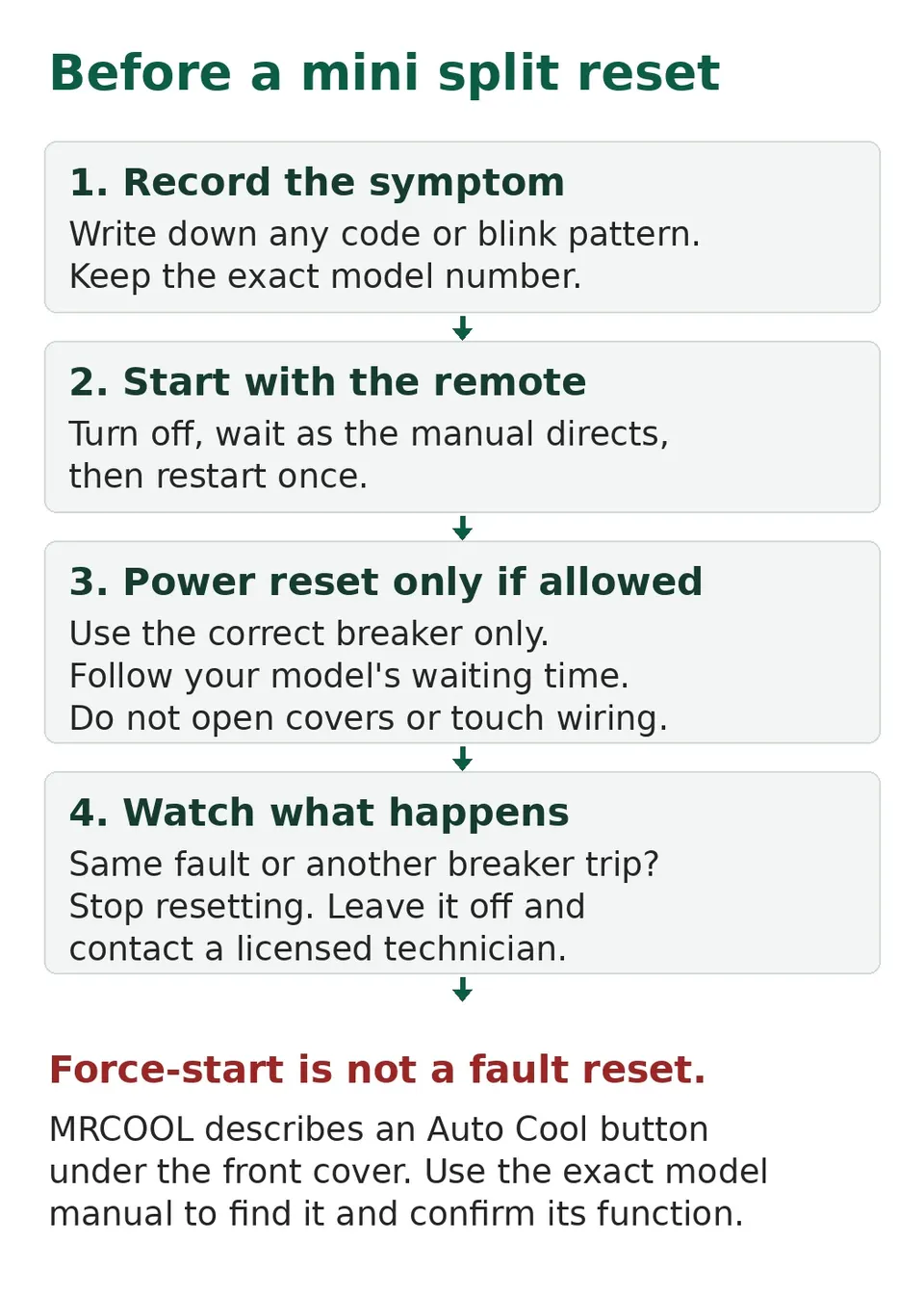
Write down what you see. Lennox advises recording any code or flashing-light pattern before you reset anything, because if the same error comes back, the fault is still there. Take a photo of the display with your phone.
Level 1: the simple off and on
Trane suggests turning the unit off for several minutes and then back on to clear a possible glitch.
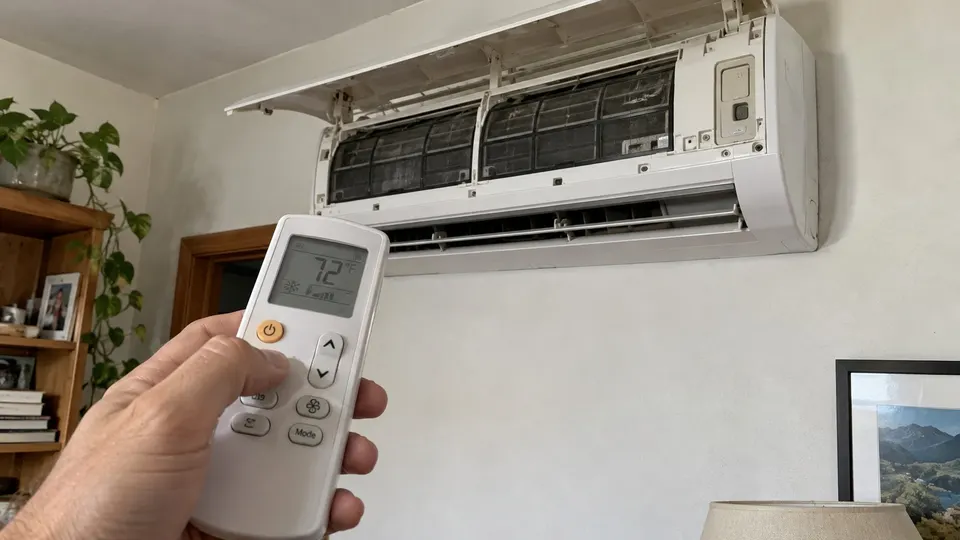
- Turn the unit off with the remote. You should hear a beep and the display should go off.
- Wait several minutes. Trane suggests turning the unit off for several minutes and then on again to clear a glitch.
- Turn it back on. Pick your mode and temperature. Give it a few minutes to start moving air.
If normal operation returns, keep watching for the same symptom or code. A restart alone does not identify what caused it.
Level 2: the power reset at the breaker
Use this if the unit ignores the remote or still shows a code.
- Turn the unit off with the remote first.
- Switch off the breaker that feeds the indoor and outdoor units. Do not open any electrical box. Use the breaker panel only.
- Wait. Lennox says that if you cut power, wait at least 30 seconds before restoring it. MRCOOL's own steps for its P4 code say to leave the power off for 15 minutes so the unit is fully de-energized. When in doubt, wait longer.
- Switch the breaker back on. The indoor display should light up.
- Turn the unit on with the remote and watch it for a few minutes.
Do this once. If the breaker trips again right away, leave it off and call a technician. Do not keep flipping it.
Level 3: resync the remote (if only the remote seems dead)
MRCOOL's support page gives these steps for its wall-mounted air handlers. Do not apply this sequence to another brand unless its own manual specifies it. They do not apply to cassette units.
- Turn the unit off at the breaker.
- Take the batteries out of the remote.
- Wait 10 minutes.
- Turn the unit back on using the button under the front cover (see below).
- When the unit powers on and shows the temperature, put the batteries back.
- Check that the remote is sending a signal. Point your phone camera at the top of the remote, about half an inch away, and press a button. If you see a small flash of light on your screen, the remote is sending a signal.
- Point the remote at the unit and press the up or down arrow to sync it.
The MRCOOL force start button
If you have an MRCOOL unit, MRCOOL says there is a Force Start button under the front cover of the indoor unit, labeled "Auto Cool." Its presses work like this:
- 1 press: fan mode
- 2 presses: forced cooling mode, which runs for 30 minutes and then goes to Auto mode with a default temperature of 76°F
- 3 presses: turns the unit off
Open the front cover the same way you do to take out the filter. You do not need any tools.
MRCOOL also describes a force restart on multi-zone systems. It means taking the top panel off the outdoor unit and working next to the control board, so it is outside this owner guide. That is a job for a technician.
Other brands
Buttons and restart sequences differ by model. Check your own manual before using a power reset or any button under the front panel. Do not assume the MRCOOL button sequence applies.
When a reset will not help
A reset only clears a one-time glitch. It does not fix a real fault. Call a technician if:
- The same code returns after a reset. See the code pages for MRCOOL, Gree, Fujitsu, LG or Mitsubishi.
- The breaker trips again after one reset
- The unit does not power on at all. MRCOOL lists a blown or faulty breaker and loose power connections as causes, and says to consult a licensed technician if you are not comfortable with electrical checks.
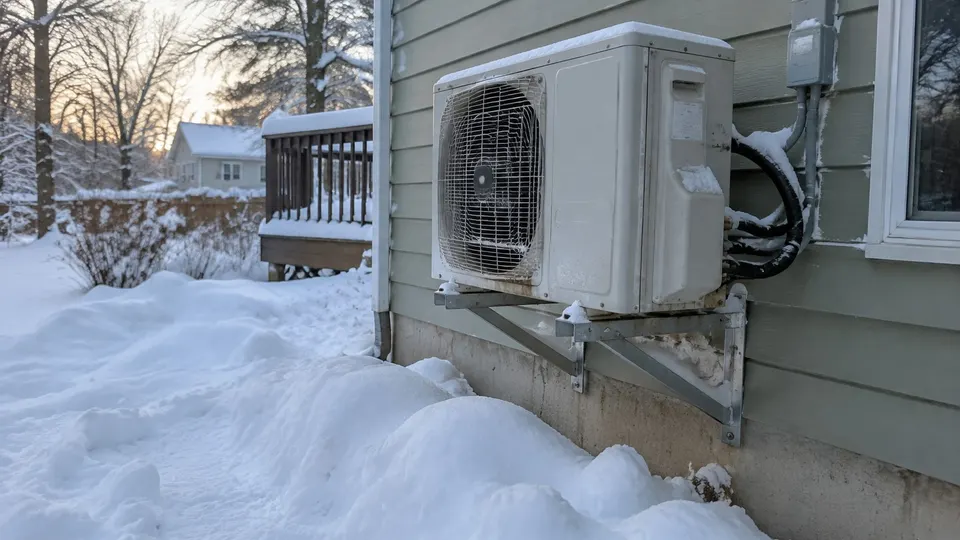
- You see ice, a hissing sound or oily residue
Safety and care
- Never open the electrical panel or touch wiring to "reset" a unit.
- Do not reset again and again. Each restart can hide the real problem.
- Clean the filter and keep the outdoor unit clear. See how to clean a mini split.
- If it seems to cool badly after the reset, see mini split not cooling.
Related reading
- Before you reset a Panasonic unit, write down the code using the Panasonic error code guide.
- To pair a Fujitsu remote again, see the Fujitsu remote guide.
- If the reset is for app pairing on an MRCOOL, follow the MRCOOL WiFi setup.
Sources
- MRCOOL: Force Start and Restart Instructions
- MRCOOL: How to Reset or Resync Your Mini-Split Remote
- MRCOOL: PC04/P4 Error Code, DIY Troubleshooting
- MRCOOL: Unit Not Powering On
- Lennox: Mini split not working in heat mode
- Trane: Mini-split not working in heat mode
This is general information, not a repair manual for your exact model. Follow your unit's own manual.