Short answer: A Fujitsu mini split remote starts the unit with START/STOP, chooses Auto, Cool, Dry, Fan or Heat with MODE, and changes the target with SET TEMP. This guide follows the AR-REG1U controller in the ASU9/12RLF1 manual. Other controllers differ, so match the model before using clock, timer or reset instructions.
Which controller this covers
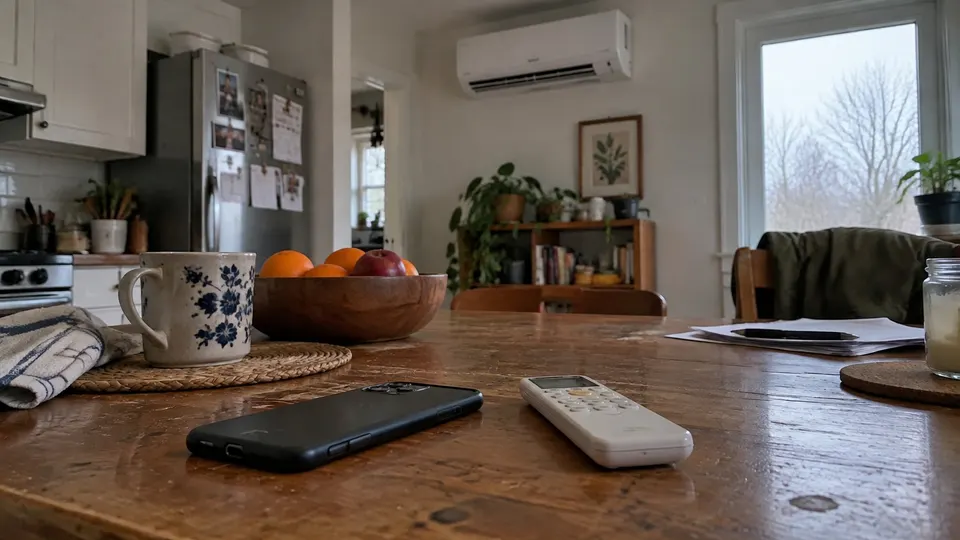
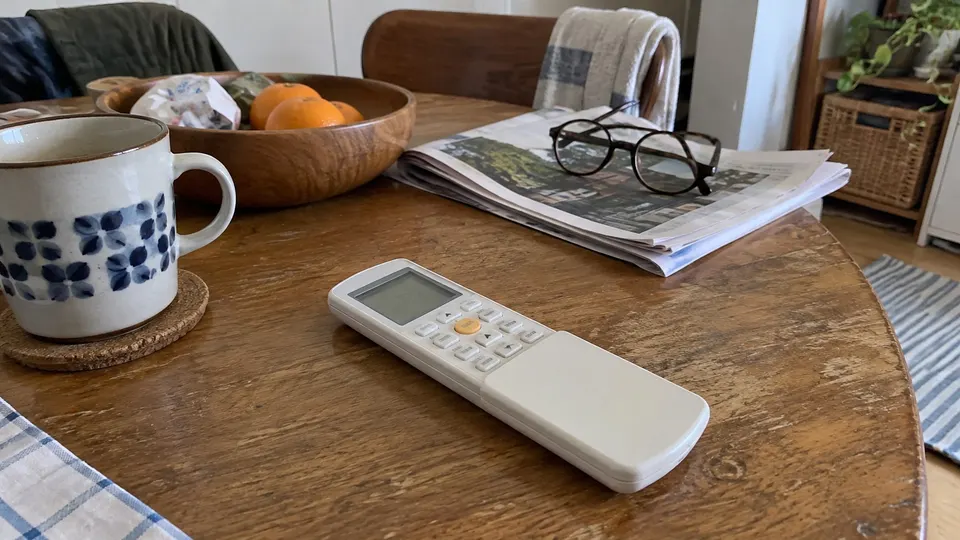
This page follows ASU9/12RLF1 operation manual, part 9333003054. The drawing identifies AR-REG1U, with a sliding cover over its clock and timer controls. Compare that drawing with your remote and complete indoor model first.
A wired controller, floor-console remote or newer wireless layout is not interchangeable just because it shares the Fujitsu name.
Read the controls
| Control | Meaning on AR-REG1U |
|---|---|
| START/STOP | Normal start or stop |
| MODE | Auto, Cool, Dry, Fan or Heat |
| SET TEMP. | Target, not a measurement of room temperature |
| FAN / speed bars | Auto, High, Medium, Low or Quiet |
| SWING | Vertical-louver swing |
| SET | Vertical airflow direction, not timer confirmation |
| POWERFUL | Temporary high-output operation |
| ECONOMY | Conservative temperature/output operation |
| MIN. HEAT | Low-temperature heating target |
| ON / OFF / SLEEP and clock | Timer settings and current time |
| Signal indicator | Remote transmitting |
The all-indicators display drawing is a legend. Normal operation shows only relevant settings.
Step 1: Prepare batteries and clock
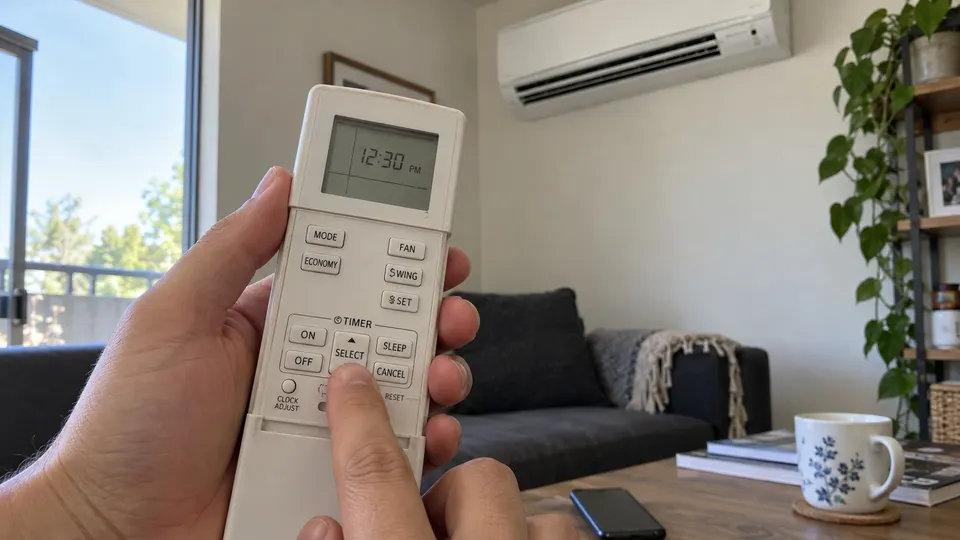
- Fit two specified matching AAA batteries with correct polarity.
- Follow the remote preparation sequence; press its recessed RESET gently as directed.
- Press CLOCK ADJUST.
- Set the time using SELECT.
- Press CLOCK ADJUST again to finish.
- Use the dedicated °C/°F button if needed.
RESET prepares the controller; it is not a repair of a system fault or a reset of the electrical supply. Check clock and timer settings after battery changes or interruptions affecting a schedule.
Step 2: Select cooling or heating
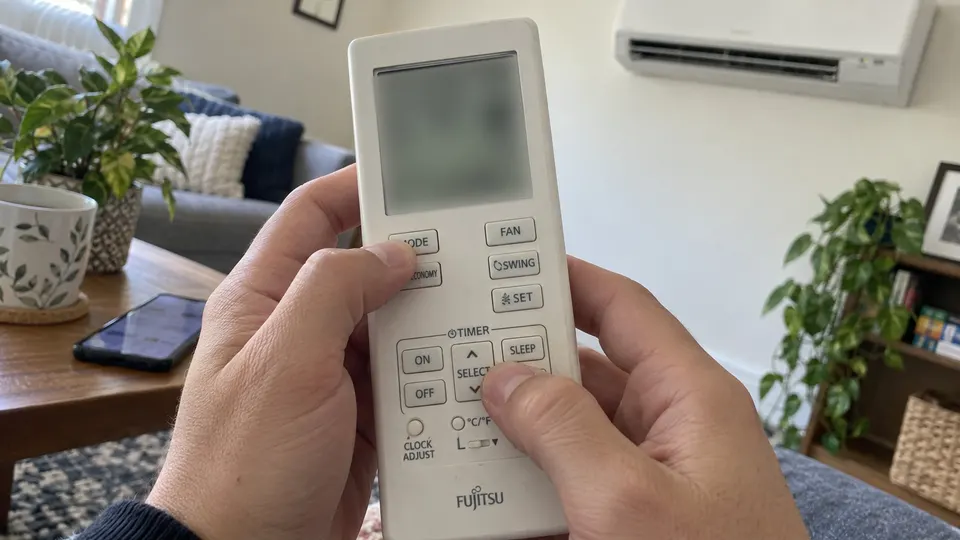
Aim at the receiver and press START/STOP. Use MODE for Cool or Heat, then SET TEMP for the target. Cooling needs a target below the room temperature; heating needs one above it. Fan mode has no temperature control.
Use FAN for speed, then SWING or SET for vertical airflow. Quiet is an airflow setting, not proof the compressor is off. Do not force a motor-driven vane.
This model's manual describes low fan speed for about three to five minutes during heating preparation. Defrost can interrupt heating too. Those model-specific sequences are different from a dead remote. For persistent trouble, use the not-heating checks.
Step 3: Use the on/off timer
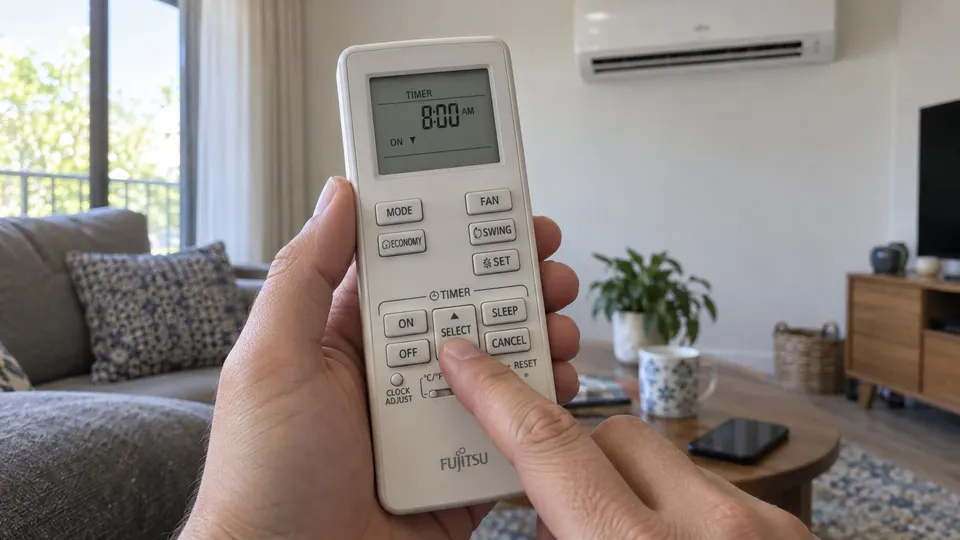
- Check the clock and start operation as the manual directs.
- Press ON or OFF in the timer section.
- Use SELECT while the clock indicator blinks. The manual gives about five seconds before the display returns to standby.
- Check the timer indicator and selected time.
- Press CANCEL to cancel the timer and return to normal operation.
These timers use clock time, not an elapsed-hours method from another brand. SLEEP is separate: it gradually adjusts temperature and shuts the unit off after the selected duration. It is not just a fan-quiet button.
Powerful, Economy and Minimum Heat
POWERFUL temporarily raises output. This model's manual gives automatic ending conditions, including a twenty-minute limit. It cannot operate with Economy simultaneously. Press POWERFUL again to return to normal.
ECONOMY conservatively changes output and the temperature target; it does not guarantee a bill-saving percentage. MIN. HEAT uses 50°F/10°C on this controller. It is not normal occupied-room heating or a promise that every pipe in the property stays above freezing.
If the screen works but the unit does not
Try a nearby direct START/STOP command with a clear signal path. This manual describes a beep on receipt. Replace batteries if range is short and repeat controller preparation. Strong light and some fluorescent lighting can interfere.
If that fails, send support the model and remote photograph. For a blinking fault, use the Fujitsu code guide rather than repeatedly resetting the controller. Keep it dry, avoid excess heat, do not recharge disposable batteries, and remove them for long storage.
Sources
- Fujitsu ASU9/12RLF1 manual, part 9333003054, controller and timer sections.
- Manufacturer-hosted copy of the same manual, inspected controller diagram.
- Fujitsu AIRSTAGE retired-model operating manual library.