Short answer: FP can indicate a selected low-temperature heating function rather than a fault. Carrier's 40MAHB owner manual uses it for 46°F heating, while other models use different displays and controls. Check your exact manual before changing it. Freeze protection needs power and a working system; it cannot guarantee that every pipe in a building stays warm.
Confirm what FP means on your unit
If FP appeared after you changed heating settings, check the operating-function section of your manual. On Carrier 40MAHB units covered here, it is a selected low-temperature mode. If there is a fault, alarm or no heat, do not assume the room is being protected successfully.
FP is not universal. Panasonic calls its room setting RFP, and its H99 protection code is different. Outdoor frost and defrost are separate again. See mini split defrost operation.
Carrier 40MAHB: 46°F heating
Carrier's owner manual gives this sequence for its matching controller:
- Select HEAT and point the remote at the indoor unit.
- Lower the setpoint to 60°F (16°C).
- Press the down arrow twice within two seconds.
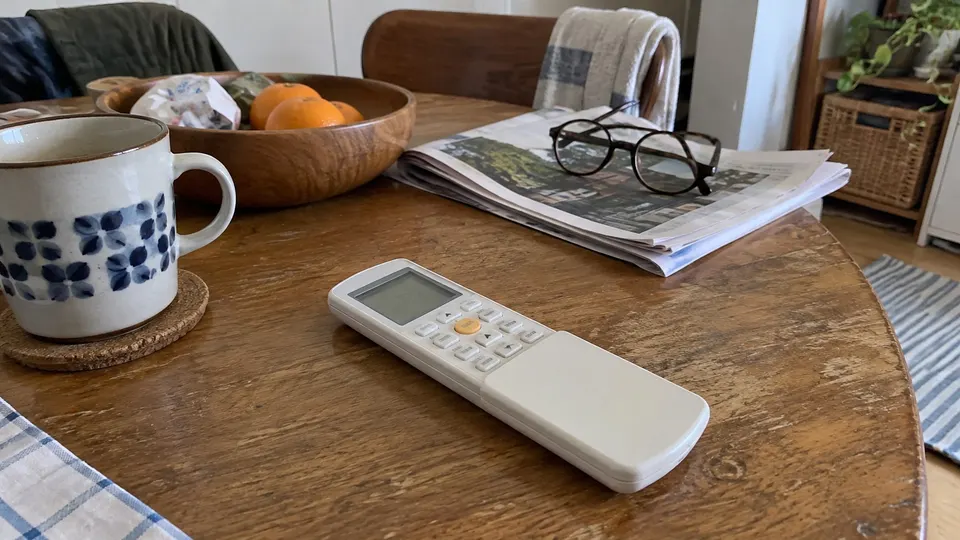
- FP shows on the indoor unit, which uses a 46°F (8°C) heating setpoint. No corresponding icon appears on the remote.
Carrier says ON/OFF, SLEEP, MODE, FAN or either temperature arrow can deactivate the function. Use this sequence only with the stated family and controller.
What the unit does while FP is on
Carrier's manual says this function works only in heat mode. While it is on, the unit heats at high fan speed until the room reaches 46°F (8°C). The fan can sound louder than you expect for a room that feels cold, so do not mistake that for a fault. The same manual says you can end the mode with ON/OFF, SLEEP, MODE, FAN or either temperature arrow, and that the remote shows no icon for it, so look at the indoor display to see whether FP is on.
If the display still says FP after you pressed one of those buttons, press ON/OFF and look again. If it keeps coming back, check the remote for stuck buttons and replace weak batteries before you call support. Carrier also says that when the outdoor temperature is below 32°F (0°C), you should keep power on to the unit so it keeps performing smoothly. Switching the breaker off for the winter is not what it asks for.
Pioneer uses a different sequence
Pioneer's cited support page covers listed Diamante Essenza/Pro and Quantum families, including WYT-17, WYT-20U, WYT-20S, WYT-24, WYT-25 and WYT-FA. For that page's remote, hold ECO for three seconds to activate or exit 46°F freeze protection.
Pioneer says heating starts at or below 46°F (8°C), then returns to standby at 48°F (9°C). The feature cancels or is prevented at 64°F (18°C) or above. Do not substitute Carrier's down-arrow sequence.
Senville's published temperature wording conflicts
Its dedicated FP page says 10°C (46°F). Those units do not match: 10°C is 50°F, while 46°F is about 8°C. Its LETO reference instead describes FP as low-temperature heating below 8°C.
Confirm the setpoint and procedure with the exact manual or Senville support. This guide does not guess which support page contains the mistake. Do not depend on an uncertain setting to protect a vacant property.
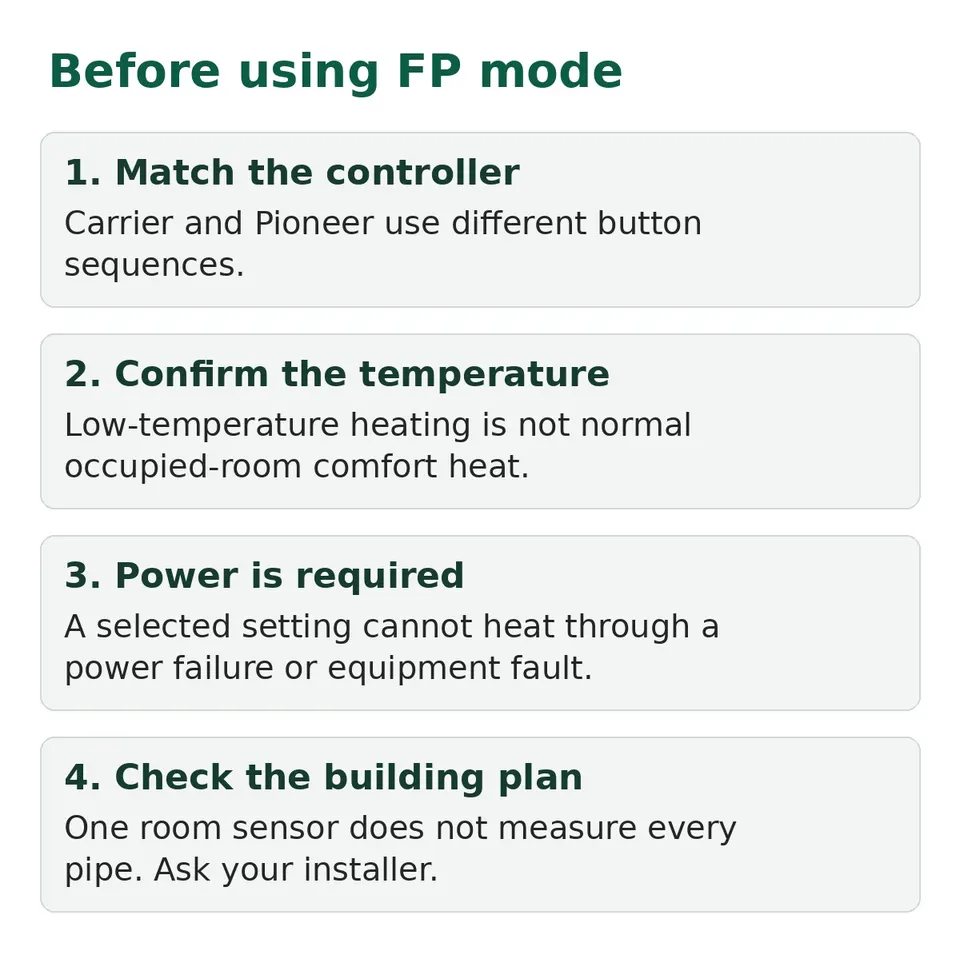
It is not occupied-room comfort heat
A 46°F or 50°F setting is much cooler than an ordinary comfort setting. Use normal HEAT mode when the space is occupied. See winter temperature settings.
Panasonic's RFP instructions explicitly say the feature cannot work without power and may not work when the system is in protection mode. Check those limits in your own manual too. A selected setting cannot keep heating through a power failure or equipment fault.
Ask your installer about the building's freeze-risk plan, especially for plumbing away from the indoor unit. One room sensor does not measure every concealed pipe. Do not leave a faulting unit as the only protection for an unattended home.
Check it before the cold weather
Keep filters and accessible airflow paths clear, test ordinary heat early and keep the correct remote instructions. If the model's exit command does not restore normal operation, contact support with the model and display photo. Do not open electrical compartments or bypass controls.