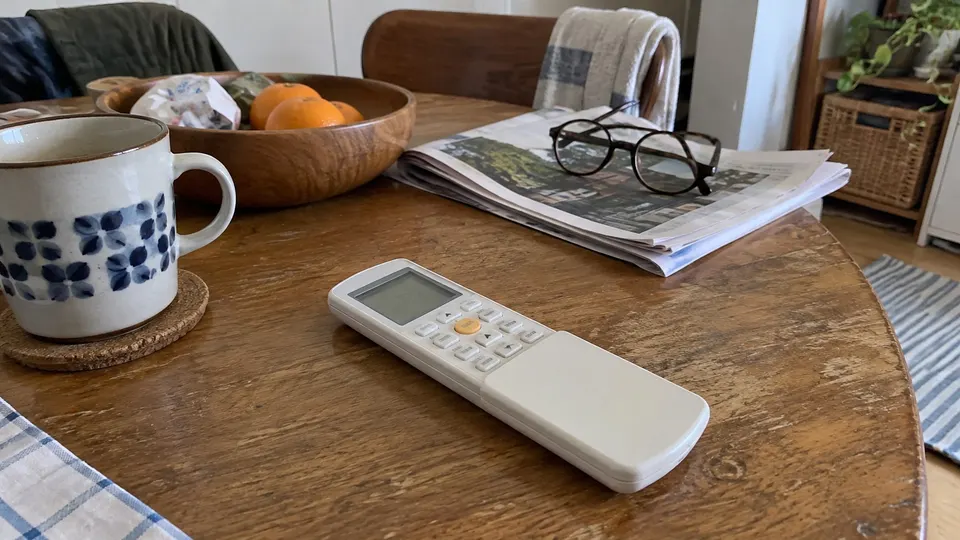
Short answer: Match your Senville remote to the indoor model before following button instructions. Senville's current guide assigns CR322 to LETO wall units ending ILL, and CR333 to AURA and multi-zone indoor units ending IGG or IAA. Use MODE for operating modes, then set temperature and fan. SET plus OK selects supported features such as Follow Me.
Step 1: Identify the controller
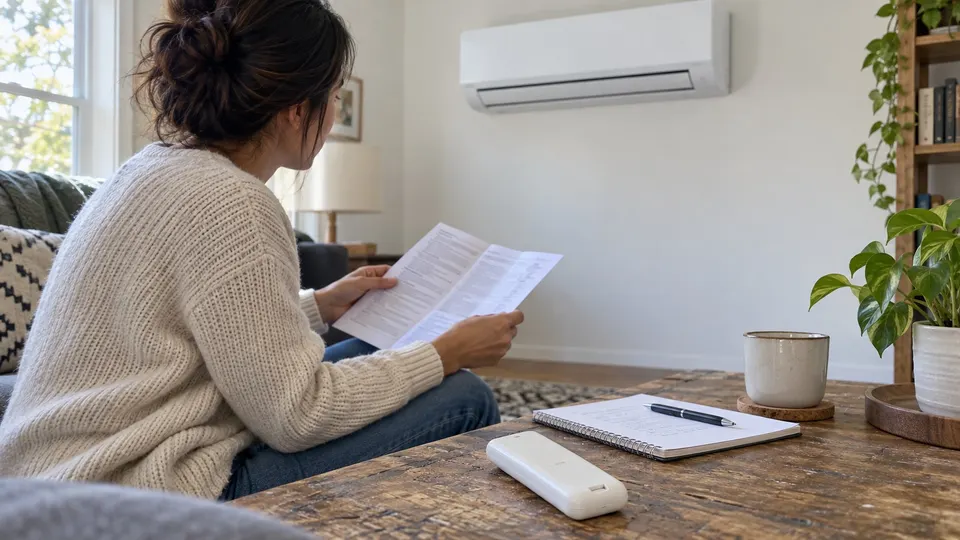
Read the complete model on the grey label at the indoor unit's right side. Compare it with the support guide and the remote label. Do not choose a manual only by brand.
| Current support-guide match | Remote | Limit |
|---|---|---|
| LETO wall unit ending ILL | CR322 | Manual contains several RG10R variants |
| AURA or multi-zone indoor unit ending IGG or IAA | CR333 | Manual covers RG10L5 and RG10L6 variants |
| Older or different suffix | Confirm with Senville | Current pairing table may not apply |
Older AURA controllers can differ. Keep the exact model's manual rather than assuming CR333 instructions replace it.
Read the buttons and indicators
| Label | Meaning |
|---|---|
| MODE | Auto, Cool, Dry, Heat or Fan; Heat needs a heating-capable unit |
| Temperature digits | Target by default; timer or fan adjustment can temporarily use the same area |
| FAN / speed bars | Fan selection; automatically controlled in Auto and Dry |
| SWING | Supported airflow movement |
| TIMER ON / TIMER OFF | Delayed start or stop |
| Follow Me | Sensing near the remote selected |
| Sleep / Lock | Sleep feature / button lock selected |
| ECO / GEAR | Optional energy control, not measured bill savings |
| Transmission indicator | Sending a signal, not proof of receipt |
Some manual indicators are marked unavailable for a particular unit. The full icon chart is not a list of guaranteed features.
Step 2: Select mode and temperature
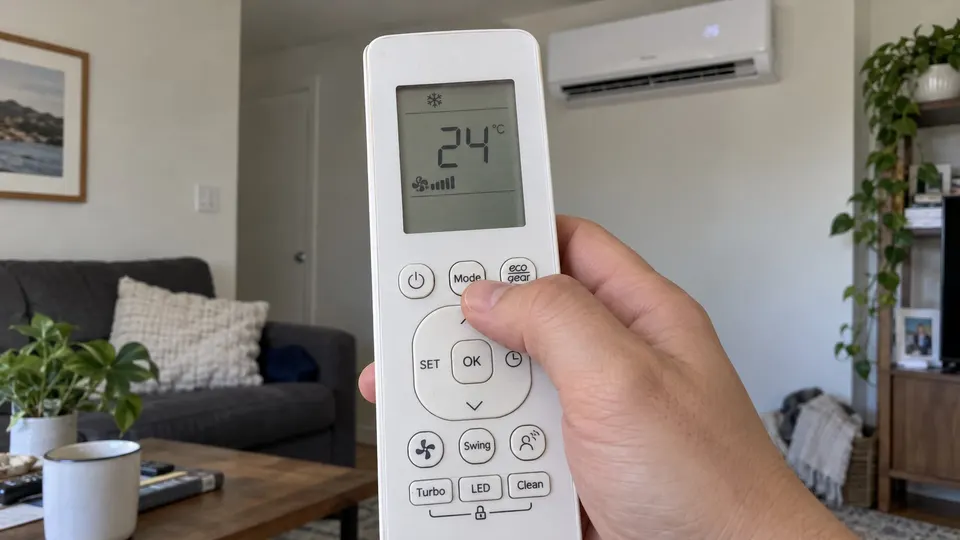
- Aim directly at the indoor receiver without an obstruction.
- Select Cool or Heat with MODE, as needed and supported.
- Set the desired temperature.
- Choose the fan setting, then turn the unit on. If already running, send the new settings.
- Listen for receipt and check the selected mode.
Auto chooses an operating mode. Dry controls fan speed automatically. Fan-only mode has no temperature target. That explains why a FAN or temperature press can appear to do nothing when the adjustment is unavailable.
Use SWING for supported louver movement. Long presses and left/right capability vary; do not force motor-driven vanes. For damp-room settings, compare the dry-mode guide.
Follow Me and optional controls
Senville gives this sequence: press SET until Follow Me flashes, then OK. Place the remote in a representative spot away from sun and keep the signal path clear.
Follow Me memory controls differ across variants. Do not copy an RG10R TURBO long press onto RG10L without checking its section. Memory is not needed for ordinary selection.
CR333's RG10L5 section includes ECO Intelligent Eye; the RG10L6 layout uses ECO/GEAR. A generic chart does not prove your indoor unit has a people sensor. LED controls the display and, where supported, sound. CLEAN selects a supported cycle, not manual filter washing. Keep the filter-cleaning routine separate.
Step 3: Set and clear timers
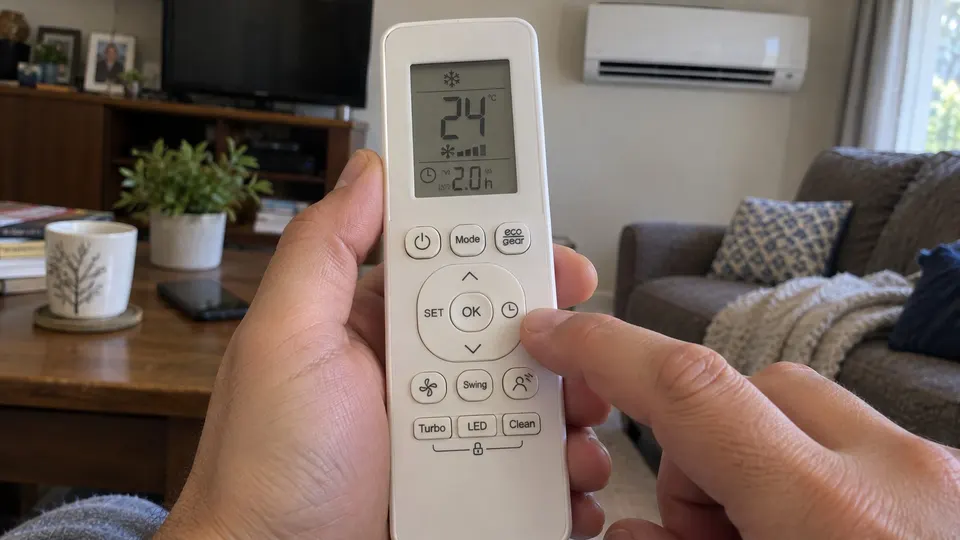
Select TIMER ON or TIMER OFF with TIMER, adjust the delay with the temperature arrows, then aim at the receiver to send it. Check the relevant indicator.
These manuals use hours after the current time: half-hour steps up to ten hours, then one-hour steps to twenty-four. Set the relevant timer to 0.0 h to cancel. Clear both if both are set and you want no schedule.
If nothing happens
Check Lock, fit fresh matching batteries and try a nearby ON/OFF command with a clear signal path. Curtains and strong light can interfere. A changing screen is not proof the indoor unit received the command.
CR322 describes CLEAN plus TURBO for its lock. CR333 variants have different layouts; use your exact controller's lock section rather than guessing. If pairing is unclear, send Senville the indoor label and remote photographs.
Keep the remote dry and away from excess heat. Remove batteries for extended storage according to the manual. Do not open electrical covers to troubleshoot infrared control.
For app pairing rather than infrared button settings, use the Senville Wi-Fi setup guide. If you are trying to identify the brand behind the unit, the Senville manufacturer guide keeps that question separate from choosing a controller manual.
Sources
- Senville remote pairing guide.
- CR322 manual, RG10R variants.
- CR333 manual, RG10L5/RG10L6 variants.