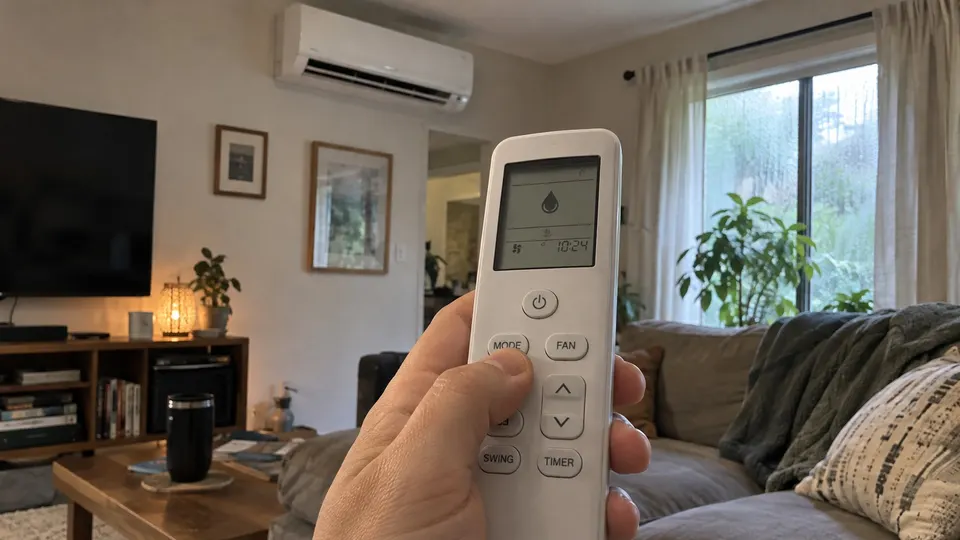
Short answer: Dry mode, also called dehumidify mode, makes a mini split pull moisture out of the room air without cooling the room much. The symbol is usually a water drop. You use it on damp, mild days, in spring and fall, when the room feels sticky but is not hot. It is not a replacement for a real dehumidifier. On a hot day, use Cool mode instead.
What dry mode does
Mitsubishi's manual for its MSZ-FS series says DRY mode dehumidifies your room and that the room may be cooled slightly. Daikin's user guide says drying decreases the humidity in a room.
The reason is simple. A mini split pulls water out of the air as it cools it. Dry mode leans on that effect and holds back on the cooling. GREE describes it as cooling mode at a very low capacity. Its manufacturer's guide says the unit runs the fan slower, which keeps the coil cold, and that the compressor runs at lower capacity.
What you will notice
- Press the mode button on the remote until the drop symbol shows. On a Mitsubishi FS remote the order is AUTO, COOL, DRY, HEAT, FAN.
- The temperature setting may be locked. Mitsubishi says the temperature cannot be set in DRY mode. Daikin says you cannot adjust the temperature or the airflow rate in drying operation.
- The fan runs gently. Do not expect a strong breeze. This is normal.
- The air feels less sticky after a while. The room should cool only a little.
On units that do let you set a temperature in dry mode, GREE says the unit tries not to go below the set point, so a very low setting may cool the room more than you want. Check your own manual.
Dry mode or cool mode?
Use this quick guide. It comes from what the makers describe, not a lab test.
| Situation | Use |
|---|---|
| Damp, mild day, room feels clammy | Dry |
| Hot day, you want the room cooler | Cool |
| Cool, rainy day and you want a drier room | Dry |
| Winter, you want a warm room | Heat |
| Whole house is humid or musty all the time | A dehumidifier, and call a pro to check the cause |
GREE's training page says contractors see dry mode used a lot in the spring and fall. Pioneer says dry mode is meant for when it is damp but not very warm. It also says dry mode is not meant to replace a dehumidifier and that it only reduces humidity to a more comfortable level.
Does dry mode save electricity?
The makers do not agree, so these sources do not support a blanket energy-savings promise. GREE says dry mode runs the compressor at a lower capacity, with a lower amp draw, and saves energy compared with standard cooling. Pioneer says the setting consumes more energy than other modes and that it should not run all the time.
What both sources agree on: do not run it nonstop. Pioneer says that if you remove too much humidity, the air can become too dry and uncomfortable, and that a couple of hours is usually enough to bring humidity under control.
Care and safety
- Run Fan mode afterward. Mitsubishi's manual says that after COOL or DRY mode it is recommended to run FAN mode to dry the inside of the indoor unit.
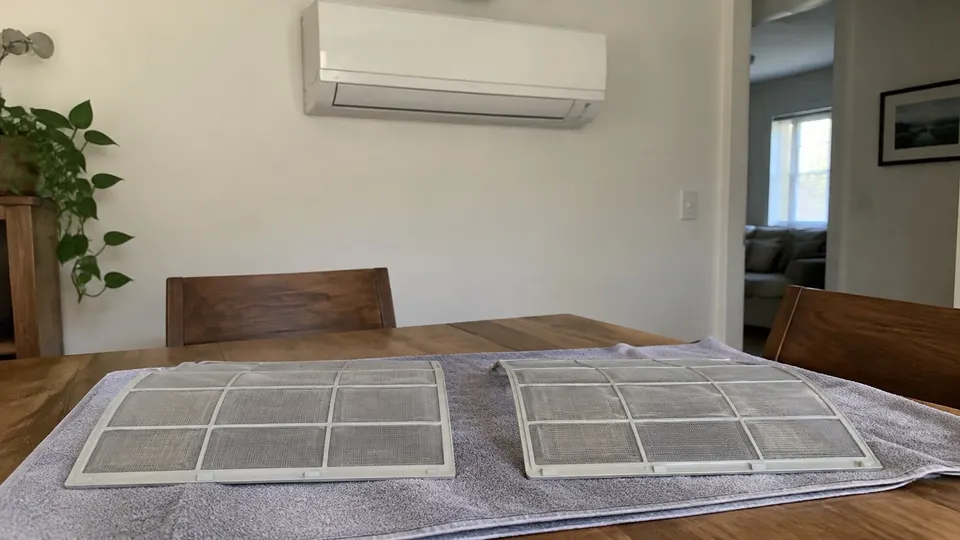
- Keep the filter clean. A dirty filter makes any mode work worse. See how to clean a mini split.
- Do not expect dry mode to fix mold. If a room is damp all the time, find out why. A leak or a blocked drain can be the cause. See mini split drain line.
- Water dripping from the indoor unit while in dry mode is not normal. See mini split leaking water.
- Daikin also warns that condensation and dripping can happen if the unit runs outside its operating range. For its units, that range includes indoor humidity of 80% or less for cooling and drying.
- Not every mini split behaves the same way in dry mode. Your manual is the final word.
Related reading
- To find the dry symbol on an LG remote, see the LG remote symbols.
- For the Pioneer button layout, see the Pioneer remote guide.
- For Mitsubishi, see the Mitsubishi remote symbols.
Sources
- Mitsubishi Electric MSZ-FS operating instructions
- Daikin FTXTP-N user reference guide
- GREE Comfort: What does dry mode do on mini split air conditioners
- Pioneer: What to know about using dry mode on your mini split
This is general information, not a repair manual for your exact model. Follow your unit's own manual.