Short answer: On a Mitsubishi remote, the MODE button cycles through Auto, Cool, Dry, Heat and Fan. Extra buttons add Econo Cool, Powerful, Smart Set and Natural Flow. Each shows a small symbol on the display. Dry lowers humidity and you cannot set a temperature in it. Powerful stops on its own after 15 minutes.
The modes (MODE button)
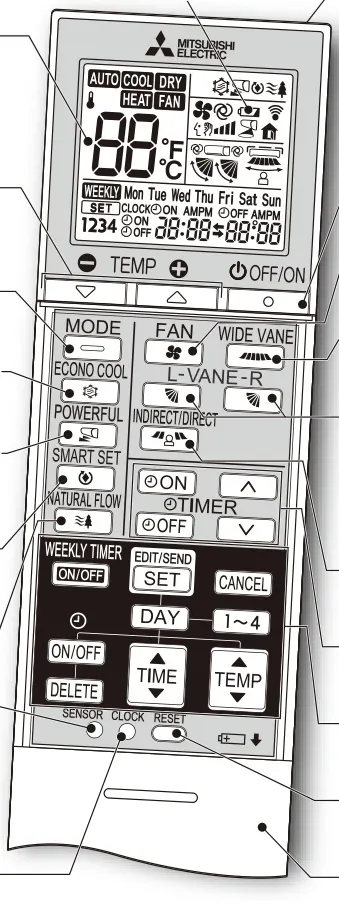
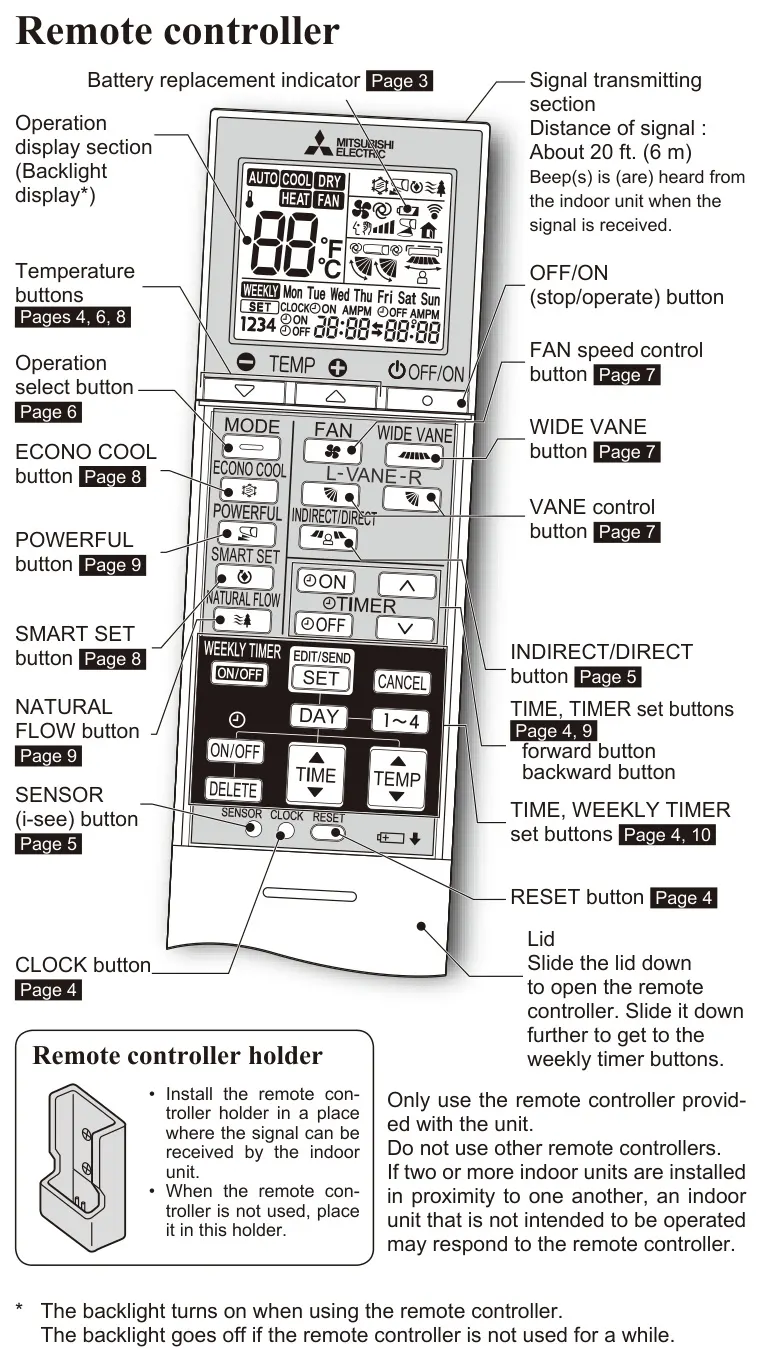
Mitsubishi Electric's operating instructions for the MSZ-FS series show one press of MODE moves through this order: Auto, Cool, Dry, Heat, Fan. The display shows a boxed word for each one.
| Symbol on the display | What Mitsubishi says |
|---|---|
| AUTO | The unit picks the mode from the gap between room and set temperature. It switches between cool and heat when the room is about 4°F (2°C) off the setting for more than 15 minutes |
| COOL | Cool air at your set temperature. Mitsubishi says not to use Cool at very low outdoor temperatures (below 14°F), because condensed water can drip |
| DRY | Dehumidifies. The room may cool slightly. You cannot set a temperature in Dry |
| HEAT | Warm air at your set temperature |
| FAN | Circulates air without heating or cooling. After Cool or Dry, Mitsubishi recommends running Fan to dry the inside of the indoor unit |
Each press of a temperature button changes the setting by 1°F (0.5°C).
The other buttons
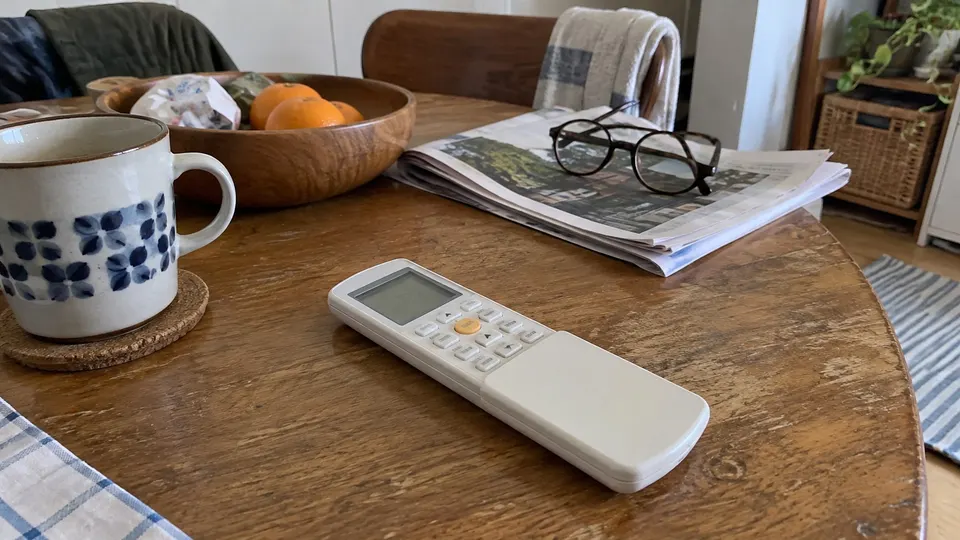
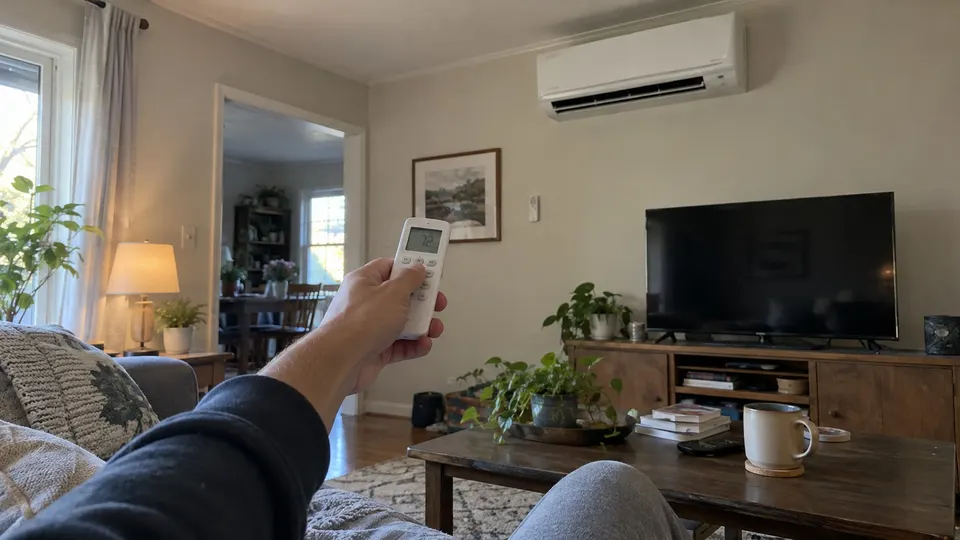
These appear on the remote Mitsubishi shows for the MSZ-FS series. Other Mitsubishi models have fewer buttons.
- ECONO COOL. Works in Cool mode only. The unit swings its vane and adjusts the set temperature on its own, since moving air feels cooler. Mitsubishi says this saves energy.
- POWERFUL. Works in Cool or Heat. It runs at a special fast speed and you cannot set a temperature. It cancels itself after 15 minutes.
- SMART SET. Saves one preferred setting for Cool and one for Heat, so one press recalls them. Mitsubishi suggests a low-energy setting 4 to 6°F warmer in Cool or cooler in Heat for an empty room or sleeping.
- NATURAL FLOW. Works in Cool or Fan. The fan speed changes constantly to imitate a breeze. Mitsubishi says the changing sound and airflow are not a malfunction.
- VANE and WIDE VANE. Change the up-down and left-right airflow direction. Mitsubishi says to always use the remote to move the vanes, not your hands.
- FAN. Cycles fan speed from Auto through Quiet, Low, Medium, High and Super High.
- TIMER ON and OFF. Sets the unit to start or stop at a time. Set the clock first.
- i-see sensor button. On models with the i-see sensor, it controls the sensor that detects where people are.
The lamp on the indoor unit
The Operation indicator lamp on the unit tells you what it is doing. On the FS manual, a steady lamp means the unit is working to reach the set temperature, about 4°F or more away. A lamp that is lit with a second light off means the room is close to the set temperature. For a blinking lamp that signals a fault, see Mitsubishi mini split codes.
Remote basics
Before you press anything, look at the remote's display and the unit's lamp together. They should tell the same story.
- Batteries. Mitsubishi says to use AAA alkaline batteries, replace all of them at once, and not to use rechargeables. A battery symbol lights about 7 days before the remote stops working. Press RESET gently with a thin object after changing batteries.
- Range. About 20 feet (6 m) to the indoor unit, and you hear a beep when it receives the signal.
- Wrong unit responding. If two indoor units are close together, the wrong one may respond. Use only the remote that came with the unit.
If the unit does not cool or heat even though the remote works, see mini split not cooling or mini split not heating. For "DF" on the display, see what DF means on a mini split.
Sources
Your remote may differ. Follow the manual for your model.
Controller drawing: manufacturer manual, English page 3 (PDF page 4).