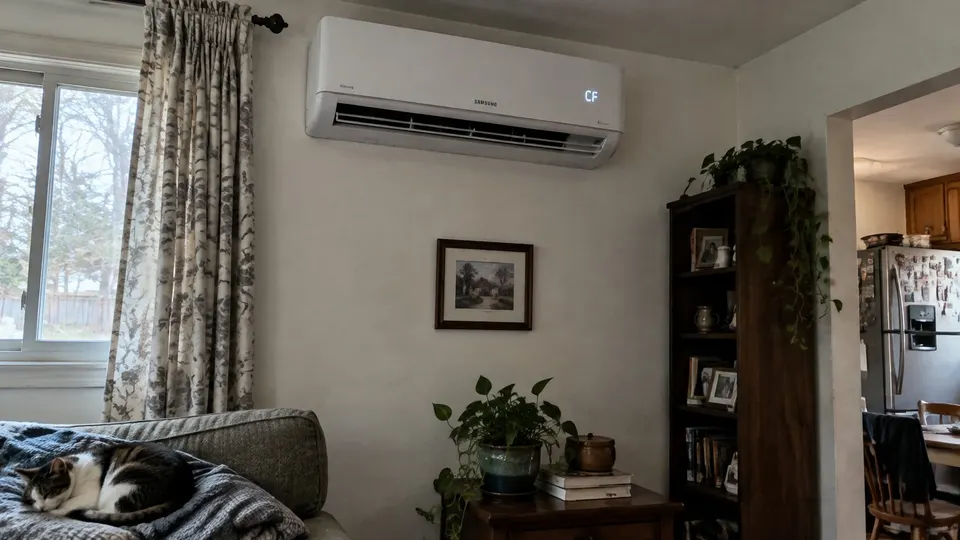
Short answer: Samsung's CF display is a filter-cleaning reminder, not automatically a failed air conditioner. Clean the appropriate filters, reinstall them fully dry, then clear the reminder using your model's method. On supported Options-style remotes, select Options, choose Filter Reset and press SET. Do not reset to hide dirty filters or a different fault.
Confirm the letters and model
Samsung distinguishes CF, CI and dF in its support guide. Record the complete indoor model and photograph the display. Controls vary by model and market; this page's reset is for supported Options-style remotes, not every Samsung system.
| Display | Meaning on covered models |
|---|---|
| CF | Filter cleaning reminder; maintain the appropriate filter, then reset |
| CI | Auto Clean indication, not the CF reminder |
| dF | Defrost indication during heating |
| Other blinking or numbered alarm | Check the exact model's manual and service instructions |
A cleared CF display does not prove airflow is normal or that another fault is fixed.
Step 1: Maintain the filter first
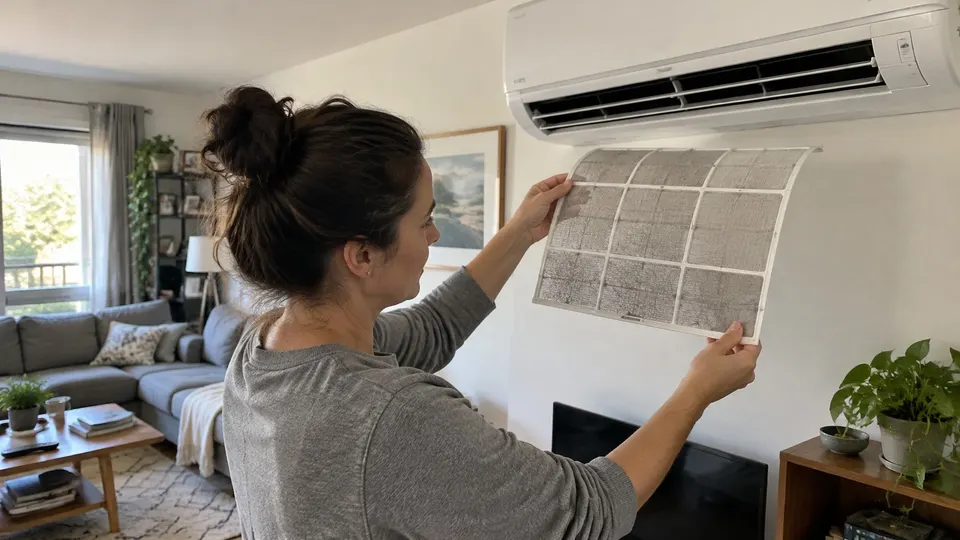
Switch off and follow the manual's isolation instructions before removing filters. Identify which filters are washable and which need replacement or another method. Do not soak every filter because one mesh filter can be washed.
Use the filter-cleaning guide for the basic remove, clean, dry and refit routine, alongside your Samsung model's instructions. Do not force panels or use hard brushes. Refit washable filters only when fully dry and close the panel properly.
CF is a maintenance prompt, not a measurement of all internal dirt. Filters can need attention before it appears, especially in dusty conditions. Follow the manual and visible filter condition rather than waiting for the display.
Step 2: Reset with an Options-style remote
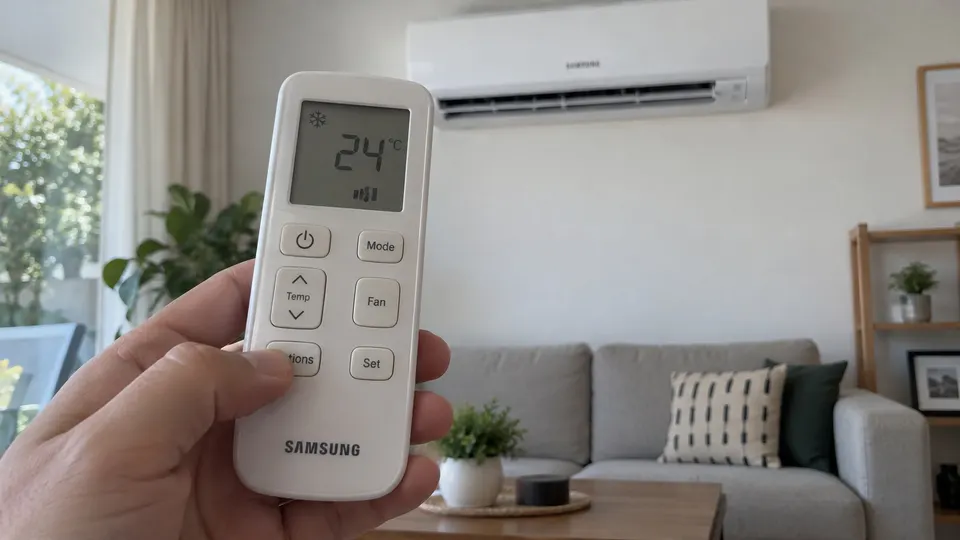
After cleaning and refitting, use these steps only if they match your controller:
- Return the unit to operation as the manual directs.
- Press Options.
- Select Filter Reset with the arrow buttons.
- Press SET to confirm.
- Check that CF has cleared.
Samsung places this reset in Options during operation. If your remote lacks Options or Filter Reset, find the exact model's method or ask support. Do not try random long presses or borrow another Samsung appliance's reset. Repeated breaker cycling is not this procedure.
If CF stays on
Aim directly at the receiver and check batteries. Confirm the command was sent and the model supports that method. Recheck its manual rather than washing the filter repeatedly.
If CF remains after the correct reset, give support the model, remote photograph and completed steps. Mention weak airflow, unusual sounds or another code separately so a performance problem is not treated only as a reminder.
If CF clears but cooling is still weak
Check mode, target temperature and accessible airflow. Use the not-cooling checks for the remaining symptom. A burning smell, smoke, water near electrical parts or repeated breaker trips needs prompt professional attention.
Do not remove electrical covers or spray cleaner into electronics. Removable-filter maintenance is different from fan, board or refrigerant diagnosis.
Keep the reminder useful
Record the cleaning date. Samsung's cited support guide recommends attention every two weeks or when CF appears, but your exact manual and household conditions control the routine. Check sooner in dusty conditions. Refit filters dry, keep the intake clear and reset only after doing the maintenance.
Sources
- Samsung CF meaning and Options / Filter Reset / SET procedure, updated April 22, 2026, with model-design caveat.
- Samsung indoor-air-conditioner display-code guide, CF versus CI and dF, filter interval and service alarms.