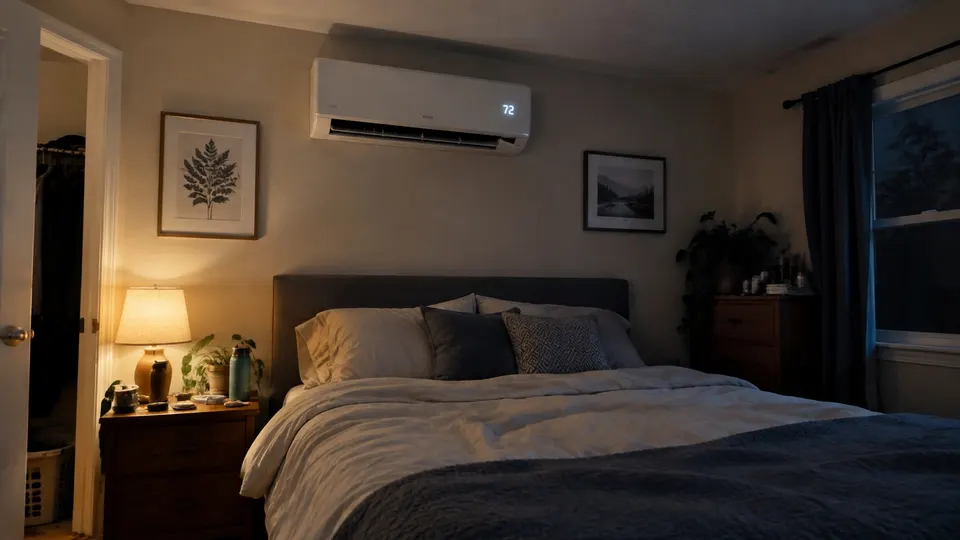
Short answer: Pioneer mini splits show a fault as a short code on the indoor display, such as E1, E6 or F4. Pioneer publishes a code table for its Diamante and Quantum series. Most codes mean a sensor, fan motor or circuit board problem for a technician. The one code you handle yourself is CL, which only reminds you to clean the filter.
Which Pioneer units this covers
Pioneer's help center has an error code table for the Diamante and Quantum series, including the Diamante Essenza and Pro high-wall units and the Quantum Ultra, Hyperformance and Fresh high-wall units, plus its cassette, ducted and floor-ceiling models.
Older Pioneer units, such as discontinued Quantum models, have separate pages on Pioneer's help site. If your model is not in that list, check your own manual or the help center.
Codes in the Pioneer table
From Pioneer's table:
| Code | What Pioneer says |
|---|---|
| CL | Filter duty reminder. Clean the air filter |
| E0 | Indoor and outdoor unit communication failure. Pioneer asks whether the wiring between them is correct |
| E1 | Indoor room temperature sensor failure |
| E2 | Indoor coil (pipe) temperature sensor failure |
| E3 | Outdoor coil temperature sensor failure |
| E4 | Cooling system abnormal. Pioneer's note asks about a gas leak or blocked valve |
| E6 | Indoor fan motor abnormal operation |
| E7 | Outdoor ambient temperature sensor failure |
| E8 | Outdoor discharge temperature sensor failure |
| E9 | IPM or compressor drive control abnormal |
| EF | Outdoor DC fan motor failure |
| F4 | Cooling system gas flow abnormal protection |
| P1 | Over or under voltage protection |
| P2 | Over current protection |
| P6 | Overheating protection in cooling mode |
| P7 | Overheating protection in heating mode |
The table also lists codes where the unit limits its speed to protect itself (for example Fb and FC). Pioneer says you can query some of those from the remote.
The "remark" column in the table is written for technicians. It points at sensors and circuit boards.
What you can safely check
First note the code on the display and take a photo of it. Then work through these in order.
- Write down the exact code. Pioneer's table uses mixed case, so Eb and EE are different codes.
- If it is CL, clean the filter. Steps are in how to clean a mini split. Let it dry fully before it goes back in.
- If it is P6 or P7 (overheating protection), check airflow. A dirty filter or a blocked outdoor unit makes the system run hot. Clear leaves and snow from around the outdoor unit and clean the filter.
- Switch the unit off with the remote, wait a few minutes, and start it once. If the code does not come back, it may have been a one-time glitch.
Expected result: the code stays away and the unit runs normally. If the code returns, stop restarting it.
When to call a technician
Call for service when the same code returns, or when it is E0, E1 to E9, EF, F4, P1 or P2. Those point to sensors, communication, motors, power or refrigerant, and Pioneer's own notes refer to circuit boards and gas leaks. Do not open the cabinet, test wiring or touch refrigerant lines.
Give your model number and the exact code when you contact Pioneer or a technician.
For a unit that runs with no code but does not cool or heat well, see mini split not cooling or mini split not heating.
For mode, timer and lock settings rather than a fault diagnosis, match your controller using the Pioneer remote-control guide.
Sources
Follow your unit's own manual. This is general information.